Stash It

For all the stuff I keep meaning to read

I'm forever finding articles and videos I want to get to later, so I made Stash It to keep them all in one place. You stash a link from your iPhone's share sheet or the Chrome extension, then read or watch it whenever you've got a minute, even with no signal. When you're done you tuck it into the archive. Hopefully it's useful for you too!

It's free, and there's no ads or tracking. You can also use it on the web.

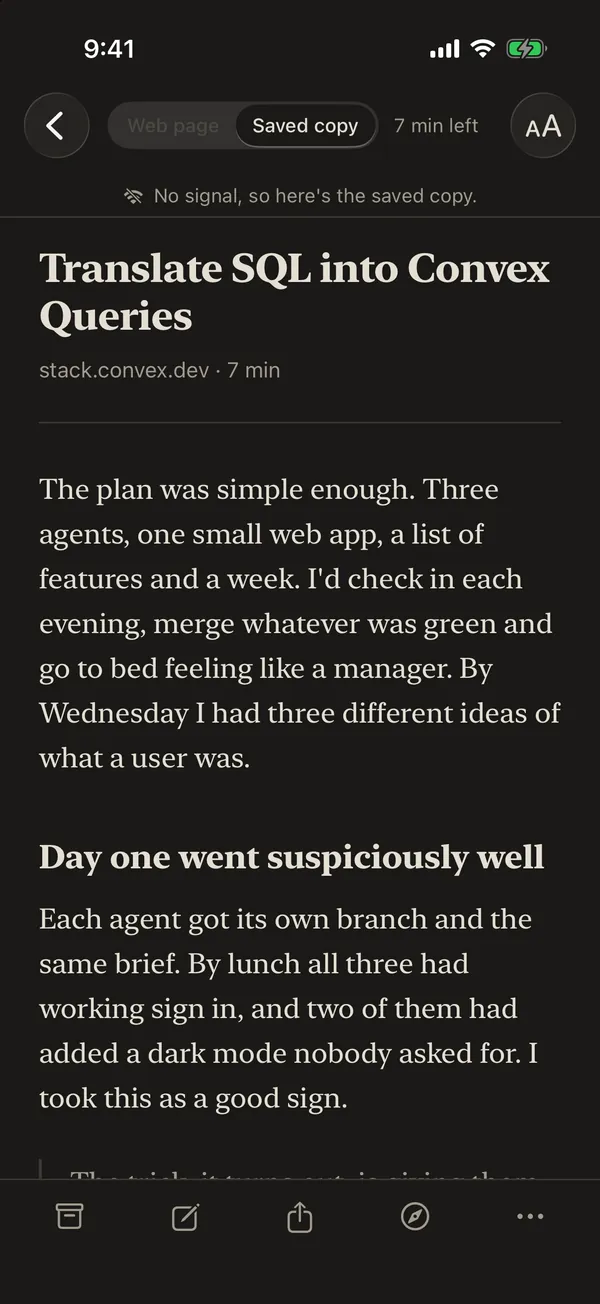
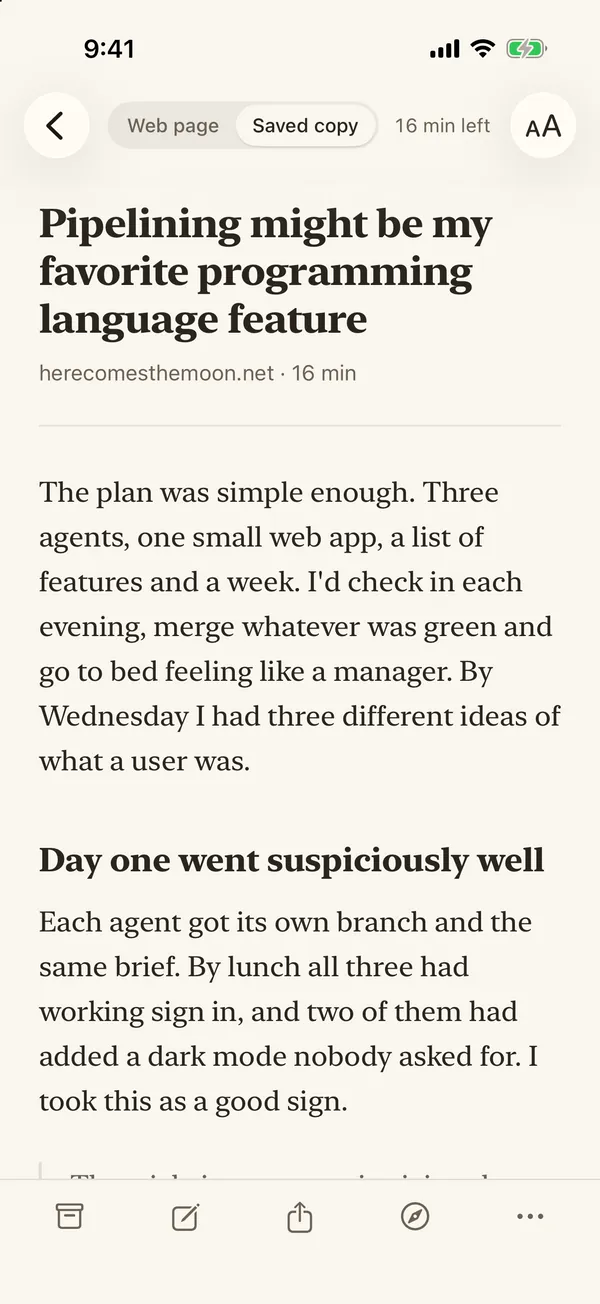
An article open in the reader on its paper page in a serif font, with the Web page and Saved copy switch and 16 min left along the top
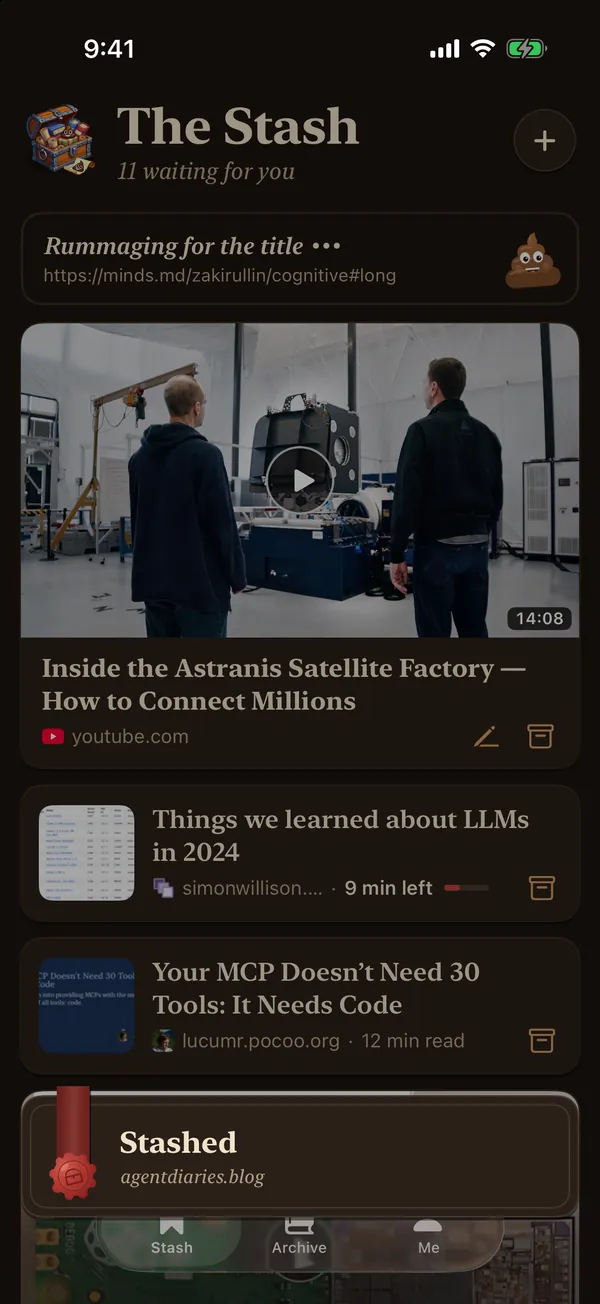
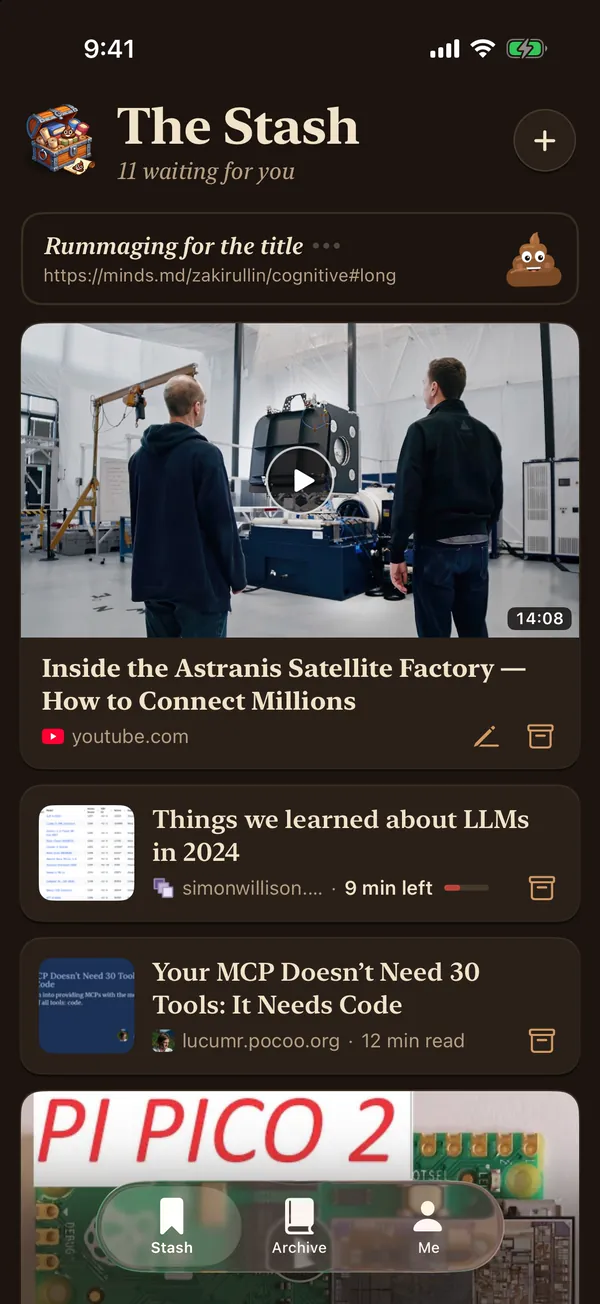
The Stash in the dark: a link still being fetched with the little poop rummaging for its title, a YouTube video with its picture and length, and two articles with how long they take to read

What it does

Videos and articles in the one list

Videos get a big picture with their length on it, since that's how you pick what to watch. Articles get a smaller row with how long they'll take to read, and once you've started one there's a little bar showing how far through you are.

Posts on X show the actual post instead of X's page title, which is usually a bit of a mess.
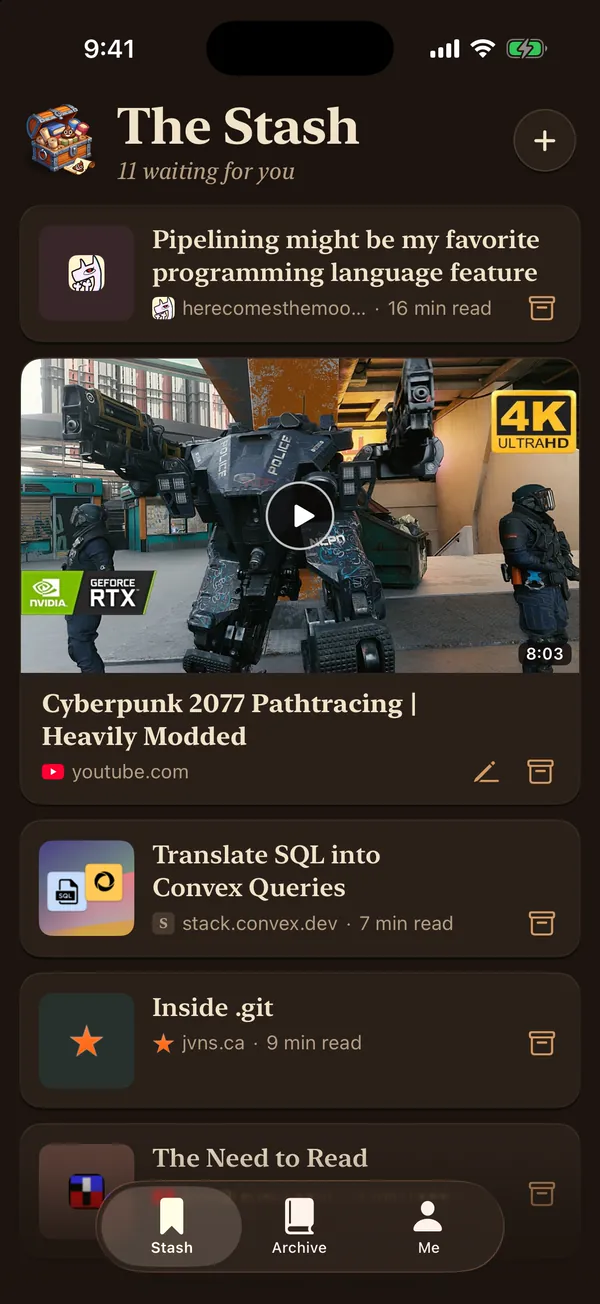
Further down the Stash: a Cyberpunk 2077 video with its picture and length, between articles from herecomesthemoon.net, stack.convex.dev, jvns.ca and paulgraham.com with their reading times

Stash it from wherever you are

On your iPhone, Stash It is in the share sheet, so from Safari, YouTube or pretty much any app you tap Share, then Stash It, and it's in. On a computer the Chrome extension stashes the tab you're on with one click, or you can paste a link into the web app.

It goes off and gets the title, the picture and the article itself in the background. If you're offline it hangs on to the link and sends it once you've got signal again.

The Stash with a Stashed card and a wax seal along the bottom, just after a link was shared to Stash It

Read it with no signal

The iPhone app saves everything in your stash to the phone, pictures and all, so you can read on a plane or anywhere the signal's rubbish.

When you have got signal it opens the real web page, so sites you're signed in to still work, and there's a switch at the top to flip over to the saved copy whenever you like.

The reader with no signal, saying "No signal, so here's the saved copy." above the article

Tuck it in when you're done

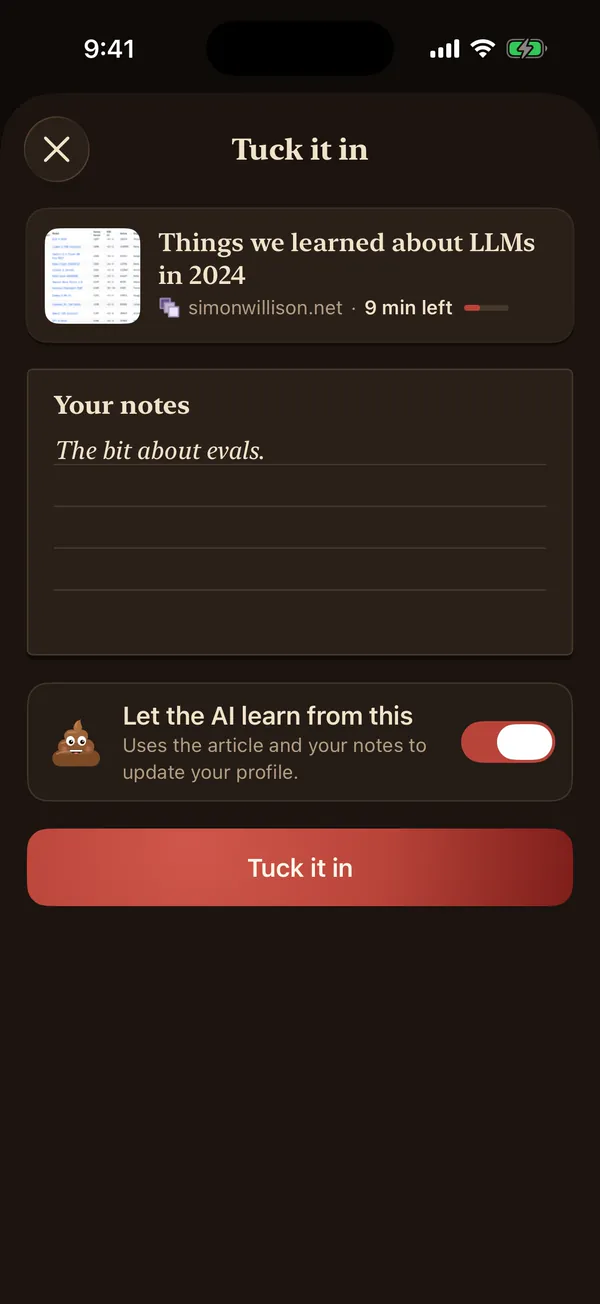
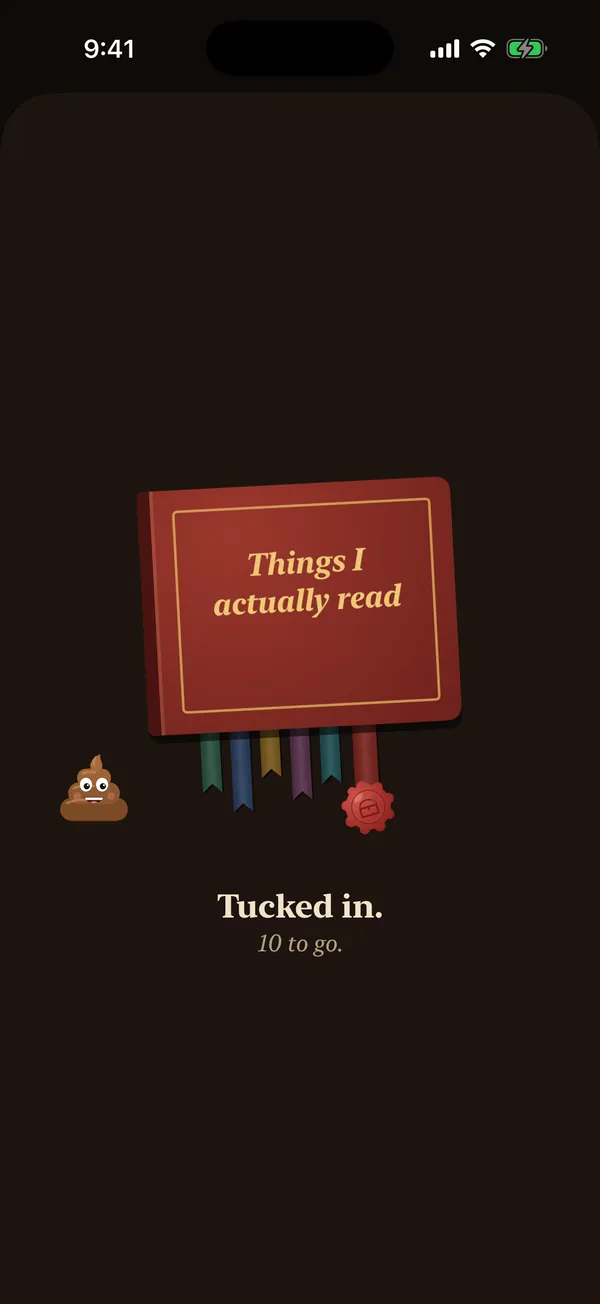
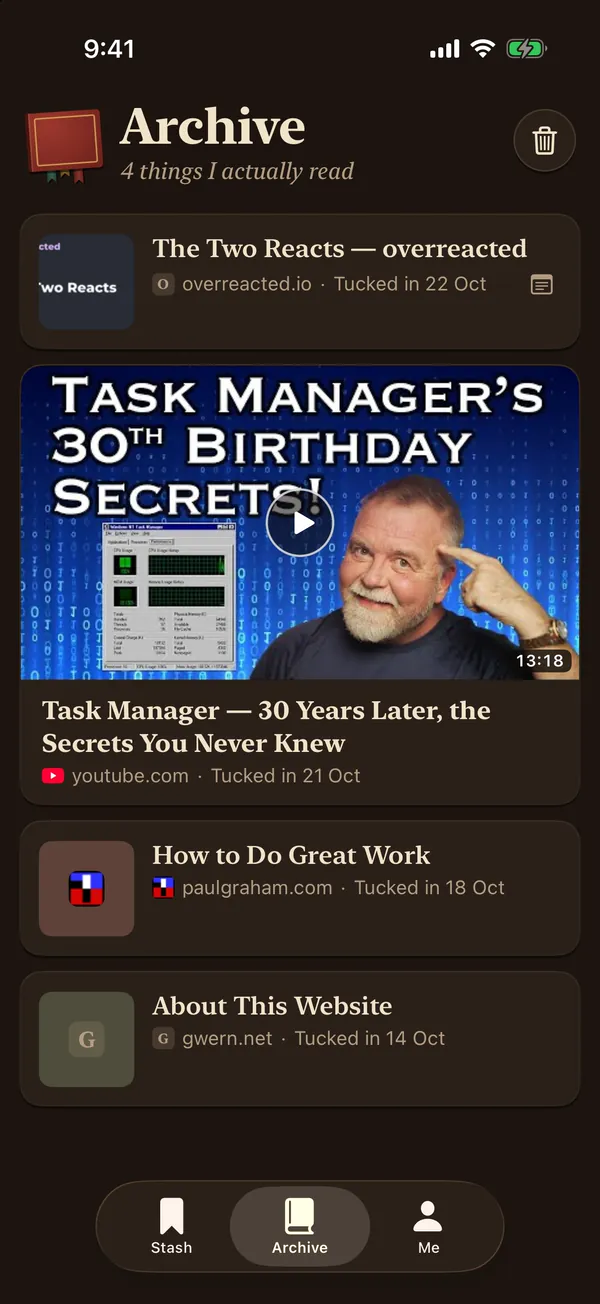
When you finish something you tuck it into the archive, a little book called "Things I actually read", and you can add a note as you go.

If you like, an AI reads what you archive (and your notes) and keeps a short profile of what you're into, so the chat in the web app knows a bit about you. You can switch that off for anything you'd rather it didn't see.

Tuck it in: the article being archived, a note saying "The bit about evals." and a switch to let the AI learn from it
A red book called Things I actually read with silk ribbons hanging out of it, a wax seal and the little poop, and the words Tucked in, 10 to go

A calm page to read on

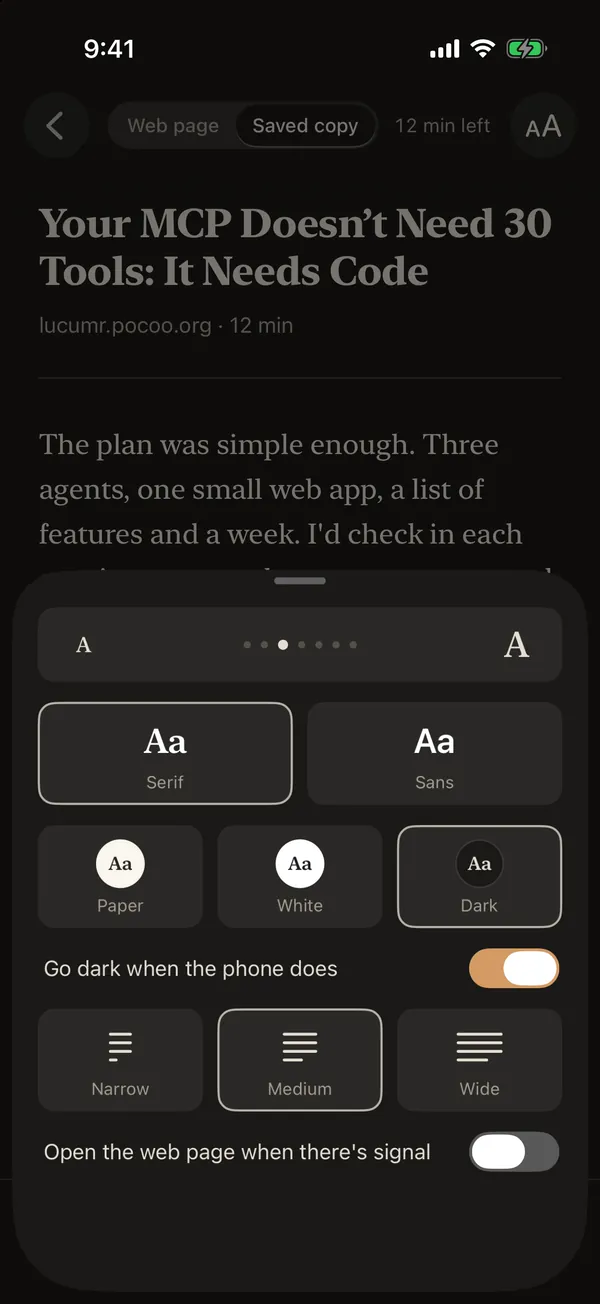
The saved copy is a plain page in paper, white or dark, with a serif or sans font at whatever size suits you. It remembers where you got up to, so you can pick it back up later.

Notes

You can jot a note on anything, from the reader or with a long press in the list, and it stays with the item when it goes into the archive.

Chat about it

In the web app you can ask an AI about something you've stashed, like what the main points were, or what the author meant by something.

A bin you can dig back through

Anything you bin hangs around for 30 days before it's gone for good, so if you change your mind you can put it back.

And a poop

Say Stash It a bit too quickly and you'll work out why there's a poop in the chest. He lives in there now, and rummages around for a link's title while it's being fetched.

Give it a go

Stash It is free on iPhone, for iOS 18 or later, and the Chrome extension and the web app are free too. If you find a bug or have an idea for it, drop me an email at stashit@mikecann.app.

Open the web app